
Know which room
is ready for the next visit.
Give reception, technicians, and doctors a shared view of exam-room readiness, with simple updates made by your team.
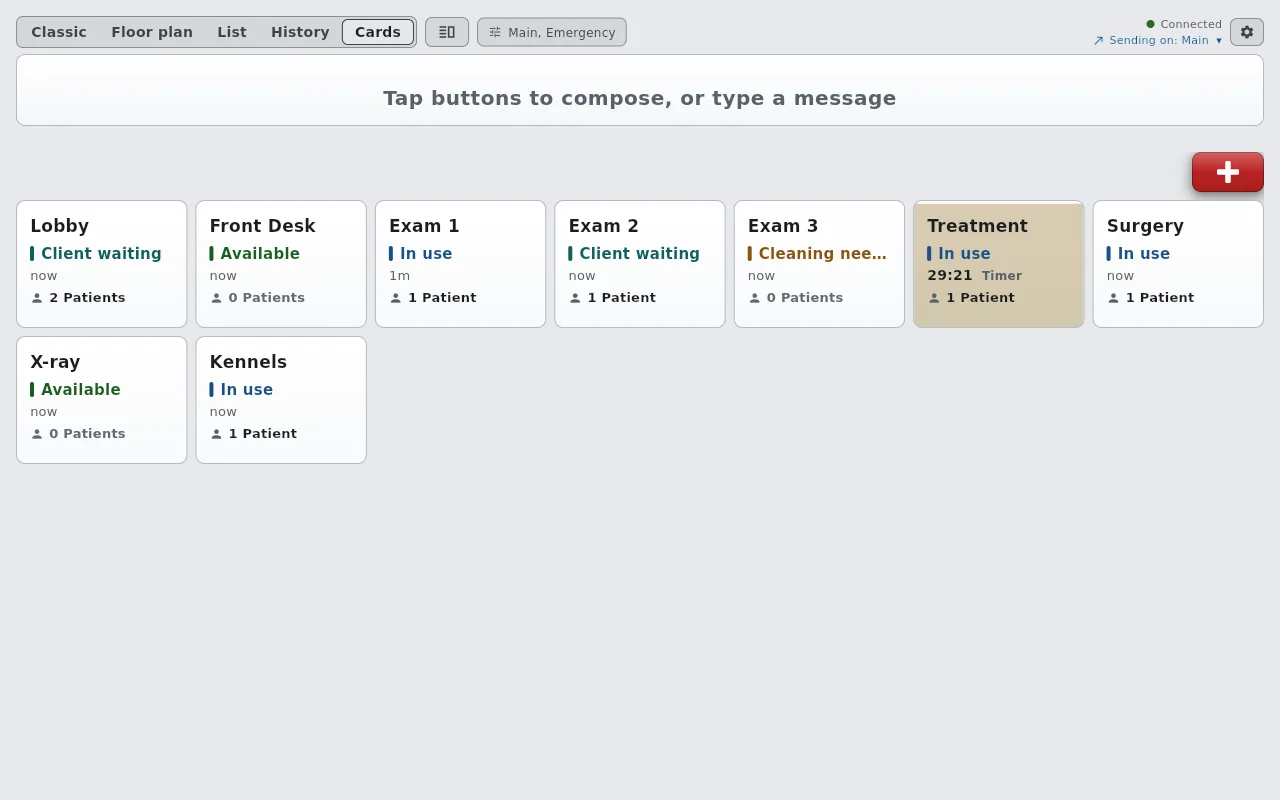
One room. One clear state.
A visit runs long. Another patient has arrived. The next room needs cleaning. Make the status visible before reception sends someone down the hall.
- Available: the room is ready for the next visit.
- In use: a client and patient are being seen.
- Cleaning needed: wait for the team to prepare the space.
These are suggested labels for your workflow. Try changing a room in the example.
Change a room state to try the workflow. Nothing leaves this page.
Give each update an owner.
Room the patient
Reception or the rooming technician marks the room In use and sends a short arrival signal.
Finish the handoff
When the client leaves, the responsible staff member marks Cleaning needed. A checkout signal goes to reception separately.
Prepare the next visit
After following the clinic’s cleaning and preparation checklist, staff mark Available. Send a signal if a colleague needs to act.
Give your team a quieter
way to stay connected.
30 days free. No credit card. Start with the devices you already have.
Start your free trial